Disclosure: I work for Apollo Automation. The class mentions us once, in the part about who makes what.
Back in June I posted that I’d built a free beginner Home Assistant class and open sourced it. On September 12 I taught it at the Dallas Makerspace, and the whole thing is on YouTube now.
It runs 94 minutes. It’s aimed at people who have never installed Home Assistant, and the goal is that you walk out knowing enough to set it up without buying the wrong gear first.
I cut the live demo the morning of
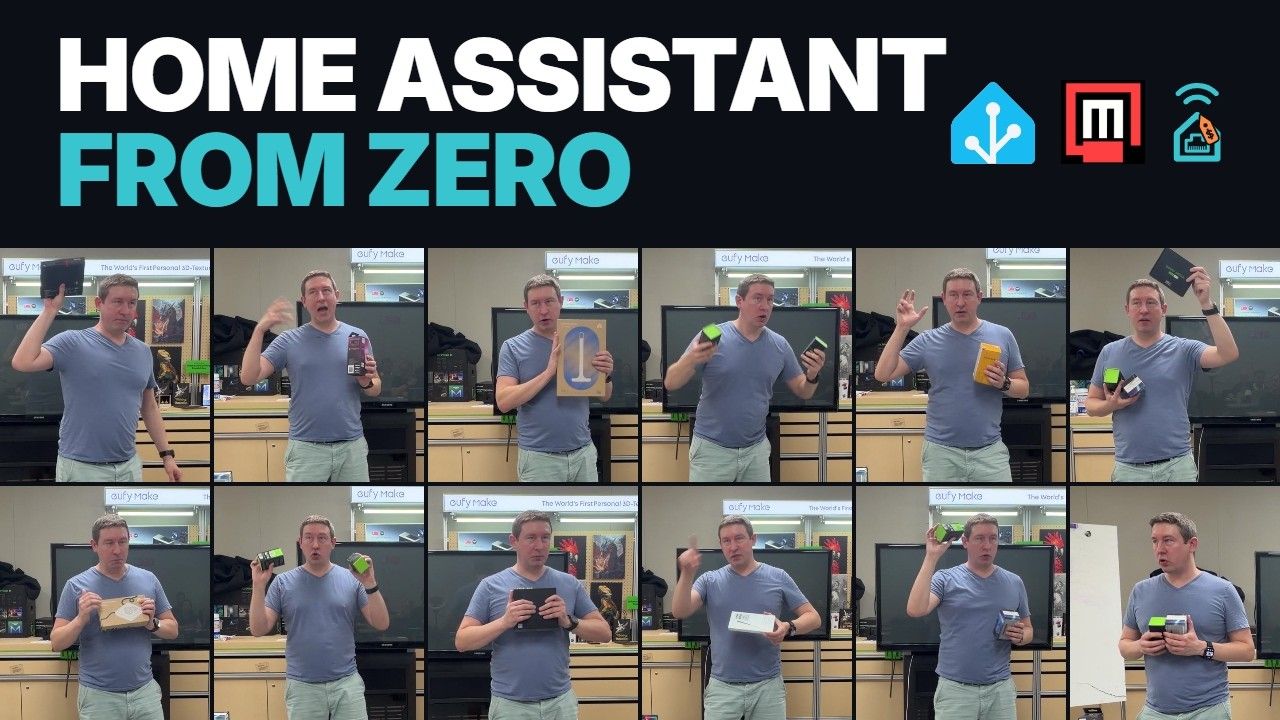
The outline I’d been editing since May had a working Home Assistant system up on the screen for the walkthrough. At 10:38 that morning I committed a rework that took it out. The class ran as a talk with a table full of hardware, and I picked each thing up as it came up: the ZWA-2 and ZBT-2 during protocols, a Zigbee button during the first automation, the Voice Preview Edition near the end.
The same commit fixed a mistake I’d been carrying for months. I had ESPHome and Music Assistant down as Nabu Casa projects. They belong to the Open Home Foundation, same as Home Assistant. Nabu Casa is the company that funds the work. Zigbee2MQTT, WLED, and OpenDisplay are partner projects the foundation collaborates with.
How it’s laid out
It opens with a show of hands: who has an Echo, a Google speaker, HomeKit, more than one. Nobody has to throw any of that out. Home Assistant goes underneath, the devices connect to it, and it hands them back to whichever assistant you already talk to. The proof is my mailbox: it opens, a camera grabs a snapshot, my phone gets a notification with the picture, and the HomePods play the old AOL “You’ve got mail.” I come back to that one later when I get to automations.
The middle is the part that saves people money. What to run it on (HA Green, a Pi, or a used mini PC or old laptop), then Z-Wave, Zigbee, Wi-Fi, and Bluetooth, then where Thread and Matter stand today. I gave smart bulbs vs smart switches vs in-wall relays its own section, because that’s the buying decision beginners get wrong most often. Flip the wall switch on a smart bulb and it drops off Home Assistant.
It ends with ESPHome, local voice, wall tablets, and using Claude Code with the Home Assistant MCP to build automations and dashboards by asking for them.
The giveaway
There was one mystery prize, and you had to be there to win. I’d built a picker inside Home Assistant for the drawing, two helpers and a script, but I didn’t get it on the system in time. The winner came off a name wheel on my laptop.
Take it and teach it
Every link and gear pick from the class is on the handout, so if you’re watching the video you don’t need to take notes. If you want to run it at your own makerspace, the speaker outline and the print files are on the teaching page, free under CC BY 4.0.
ESPHome is the next class. I don’t have a date for it yet.