

Thermostats Home Assistant can control locally
Links to Amazon are affiliate links, so I get a small cut if you buy through them. As an Amazon Associate I earn from qualifying purchases. This buying guide is researched, not gear running in my house, so the verdicts come from specs and what Home Assistant users report.
Most smart thermostats are built around the maker’s app and cloud. Home Assistant can still control many of them, but if the cloud goes down or the company changes its API, your heating and cooling automations stop working. What to look for:
- A local path. Z-Wave and Zigbee thermostats talk only to your own radio. Wi-Fi thermostats need a local protocol, like HomeKit or Matter, for Home Assistant to reach them without the cloud.
- What the local path exposes. Matter and HomeKit usually give you mode and setpoint. Schedules, eco presets, and remote sensors often stay in the maker’s app.
- C-wire. Check your wiring before you buy. Some of these run on batteries; some need a common wire or an adapter.
- Your system. Heat pumps, multi-stage systems, and electric baseboards each need a thermostat built for them.
My own cooling runs on three Midea portable ACs driven by Home Assistant, with Zooz ZSE44 sensors reading the real room temperature. None of these thermostats are on my walls. These are researched picks from the makers’ spec pages and Home Assistant documentation and forum reports.
What to watch out for
Don’t run two schedules. If Home Assistant sets the temperature, turn off the thermostat’s own schedule and learning features. Otherwise the two fight and the setpoint changes on its own.
Expect gaps over Matter and HomeKit. Fan-only mode, humidity control, and remote room sensors are the usual missing pieces. If you need those in Home Assistant, the Z-Wave Honeywell or the ecobee cloud integration covers more.
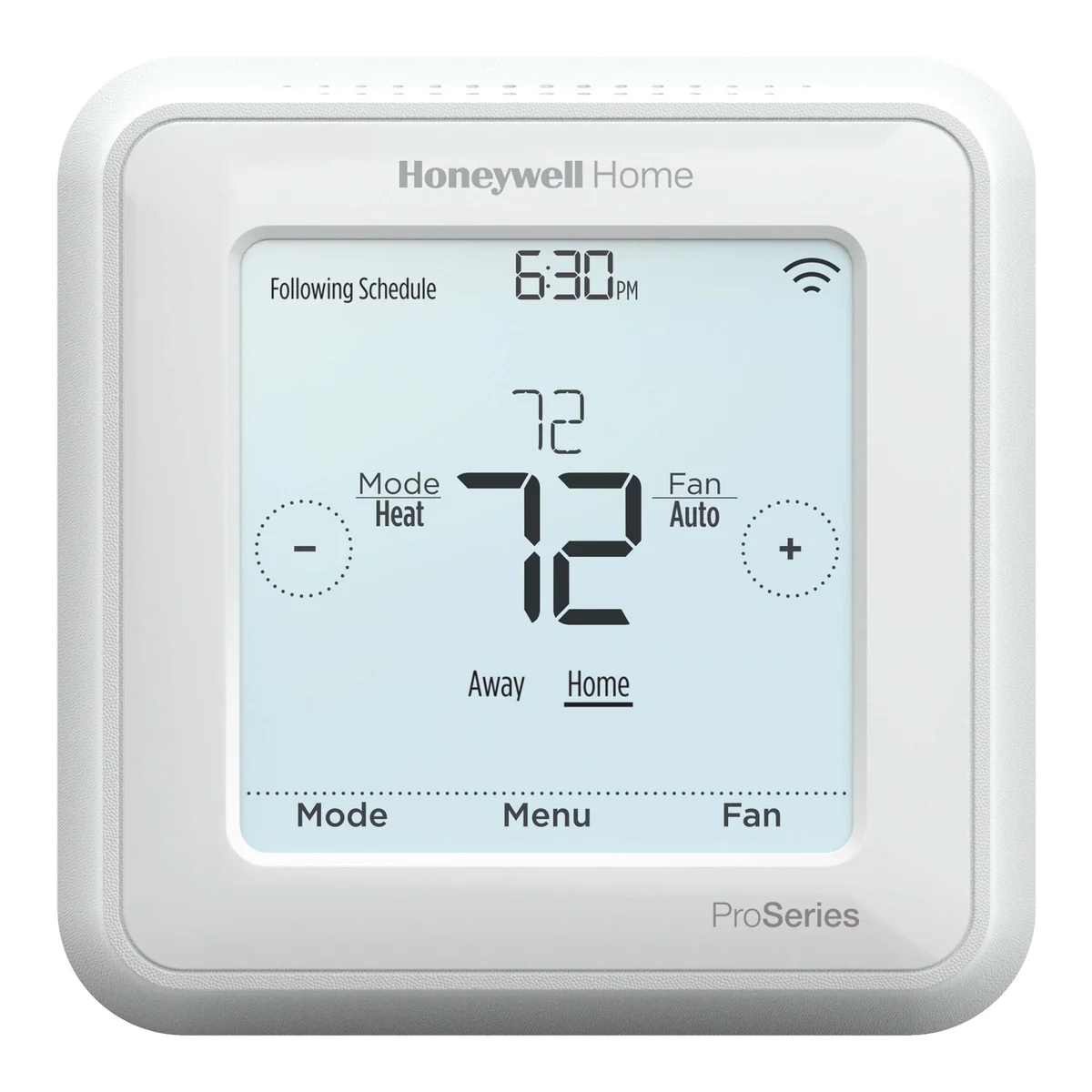
Changes made at the wall don’t always reach Home Assistant right away on Z-Wave. Home Assistant forum users report the T6 Pro’s entity not updating after a mode change at the thermostat. Check that your automations read the actual state before acting on it.
Verdict
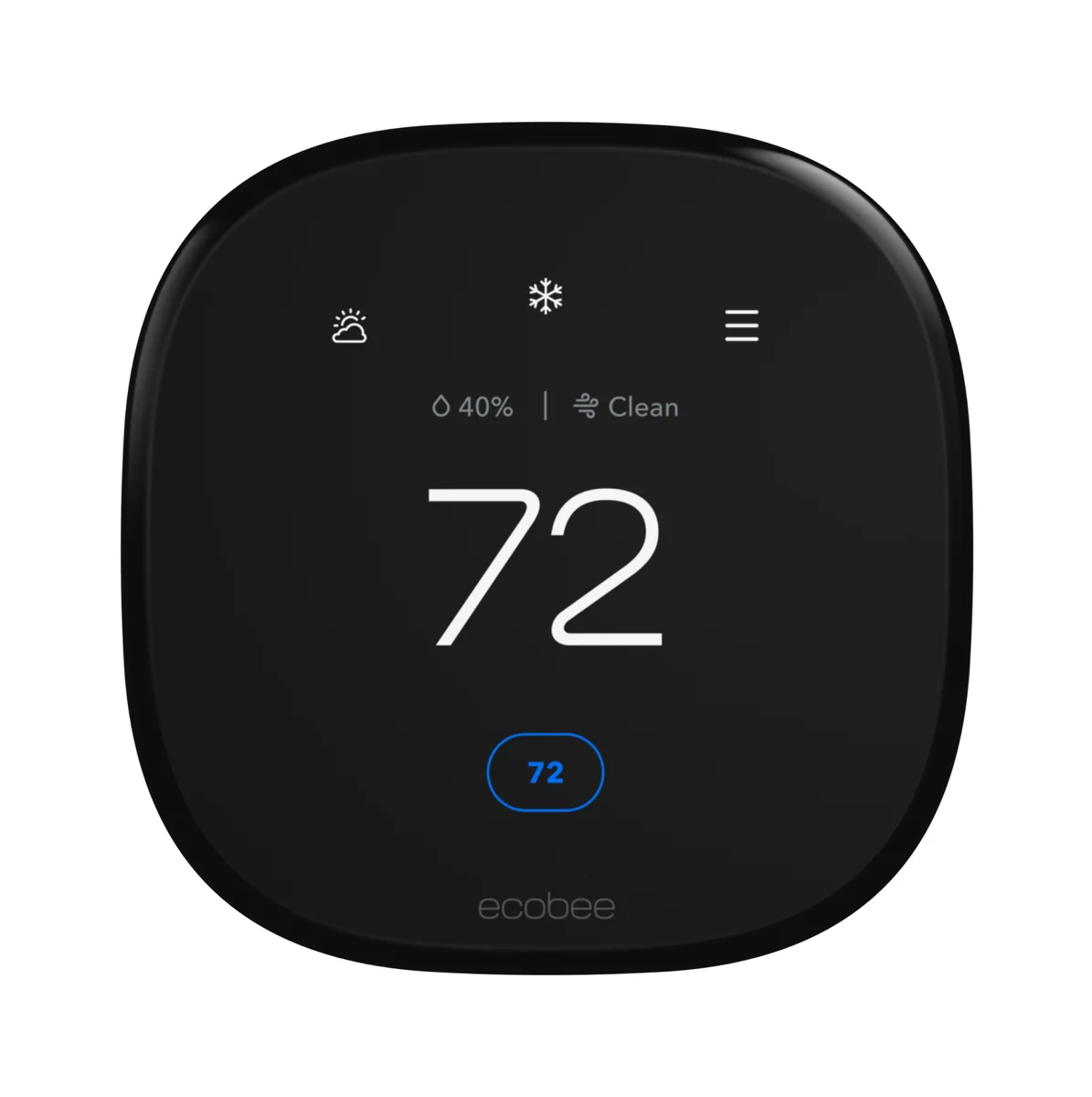
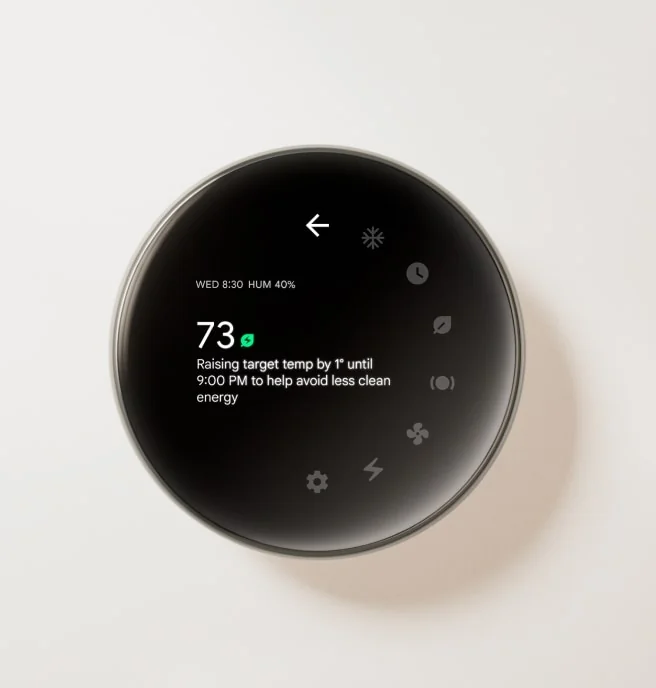
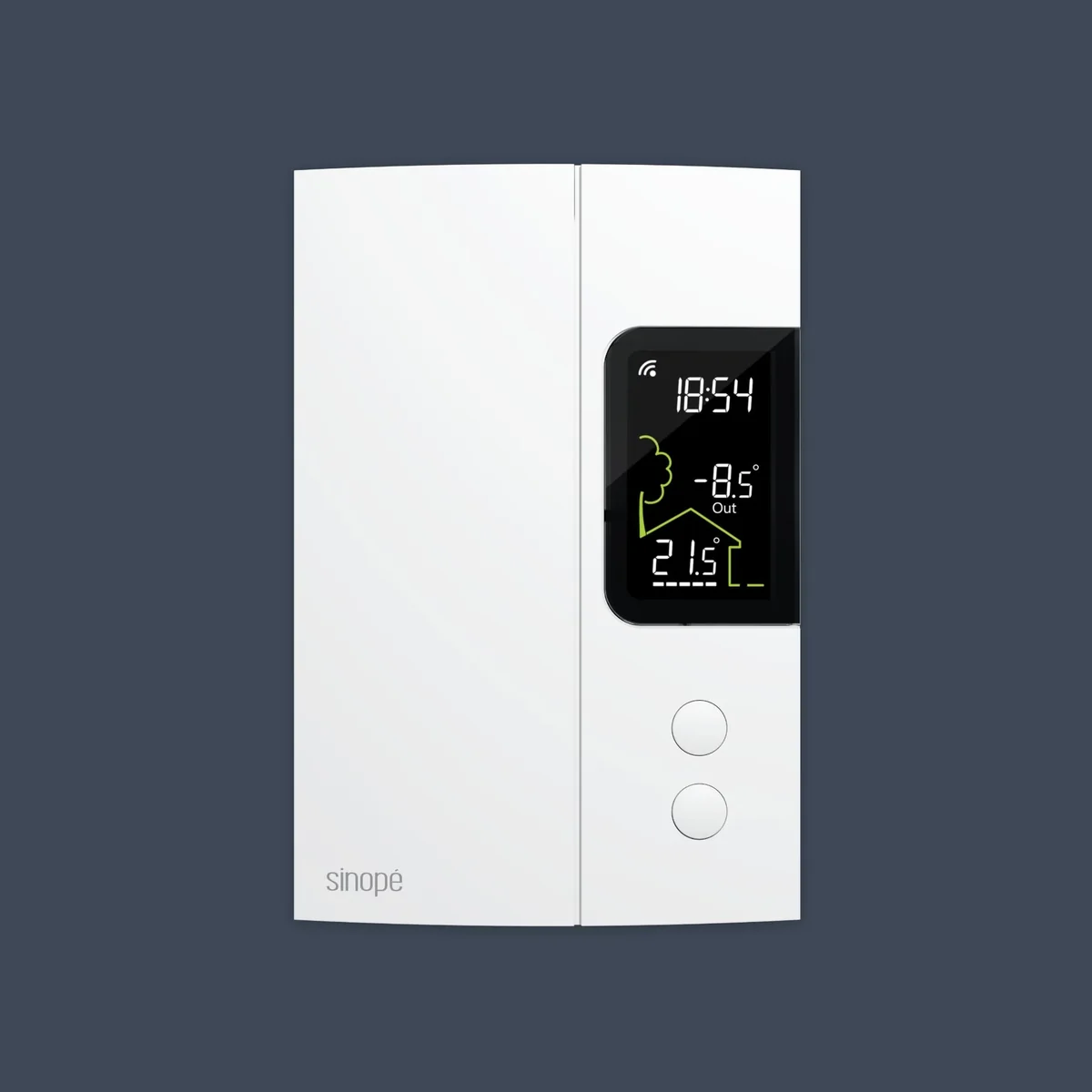
For forced-air HVAC and a Z-Wave network, buy the Honeywell T6 Pro Z-Wave: fully local, no account, no C-wire needed. If you want room sensors and occupancy sensing, the ecobee Premium through HomeKit Device is the best Wi-Fi option. Buy the Nest only if the household already uses the Nest app. For electric baseboards, the Sinopé TH1123ZB on Zigbee.
-
No Wi-Fi, no app, no account. It joins your Z-Wave network and shows up in Home Assistant as a climate entity, and schedules live in Home Assistant instead of the thermostat. Battery power means no C-wire is needed. Buy the TH6320ZW2007; Resideo lists the older TH6320ZW2003 as discontinued.
- Z-Wave Plus with SmartStart
- Heat pump up to 3 heat / 2 cool, conventional up to 2 heat / 2 cool
- Runs on 3 AA batteries, a C-wire, or both
- Shows temperature and humidity
- Dual fuel and aux heat lockout with an outdoor sensor
-
The local path is Home Assistant's HomeKit Device integration, which pairs with the thermostat directly on your network. Home Assistant's docs note that the HomeKit route may not expose every setting the cloud does. The separate ecobee cloud integration has more controls, but it goes through ecobee's servers.
- Wi-Fi, with Apple HomeKit support
- SmartSensor room sensor included
- Radar occupancy sensing
- Air quality monitoring
- Power Extender Kit included for homes without a C-wire
-
Matter gives Home Assistant local control of mode and setpoint, and not much else. Home Assistant users report no eco presets over Matter, and the included temperature sensor isn't exposed at all. Buy it if someone in the house wants the Nest app and you only need Home Assistant to change the temperature.
- Matter over Wi-Fi
- Up to 3 heat / 3 cool stages, heat pump with aux heat
- Radar, temperature, humidity, and ambient light sensors
- Nest Temperature Sensor (2nd gen) in the box
- No C-wire needed in most homes
-
For rooms heated by electric baseboards, not central HVAC. It works with both ZHA and Zigbee2MQTT. Zigbee2MQTT exposes power and energy readings, so you can see what each heater costs to run. It's a line-voltage device; Sinopé says a certified electrician should install it.
- Zigbee 3.0
- Line voltage: 3000 W at 240 V, 1500 W at 120 V
- Heat only: baseboard, convector, fan-forced, radiant ceiling
- 2-wire or 4-wire install
- Setpoint range 41 to 86 °F
Related buying guides
Z-Wave and Zigbee coordinators for Home Assistant
The two radios I'd point you at if you're setting up Z-Wave or Zigbee on Home Assistant today.
Presence sensors that actually work: what I run
The difference between motion sensors and mmWave presence sensors, and which one to use in which room.
Smart locks for Home Assistant: Z-Wave and Matter
Deadbolts that Home Assistant controls locally over Z-Wave or Matter, with user codes you can manage from Home Assistant.