
Z-Wave and Zigbee coordinators for Home Assistant
Links to Amazon are affiliate links, so I get a small cut if you buy through them. As an Amazon Associate I earn from qualifying purchases. Everything in this buying guide runs (or ran) in my house.
A coordinator is the radio that turns your Z-Wave or Zigbee devices into something Home Assistant can see. Get the wrong one and you’re stuck with weak range, dropped devices, or firmware nobody maintains. Get the right one and the mesh mostly disappears into the background, which is the entire point.
I run both protocols daily. Zooz Z-Wave switches are the wired lighting layer on my walls, and a Zigbee2MQTT mesh carries bulbs, sensors, and the KAJPLATS bulbs I had to re-pair off of Matter. Neither of those depends on a specific coordinator model, so I’m not going to claim ownership history I don’t have. What I can tell you is what I’d point you at if you were starting from scratch today, based on what each of these two adapters actually does.
The Home Assistant Connect line exists because Nabu Casa builds the integrations these radios talk to. That’s worth something on its own: the people writing the Z-Wave and Zigbee code in Home Assistant are the same people who designed the hardware, so you’re not relying on a third party to guess at compatibility.
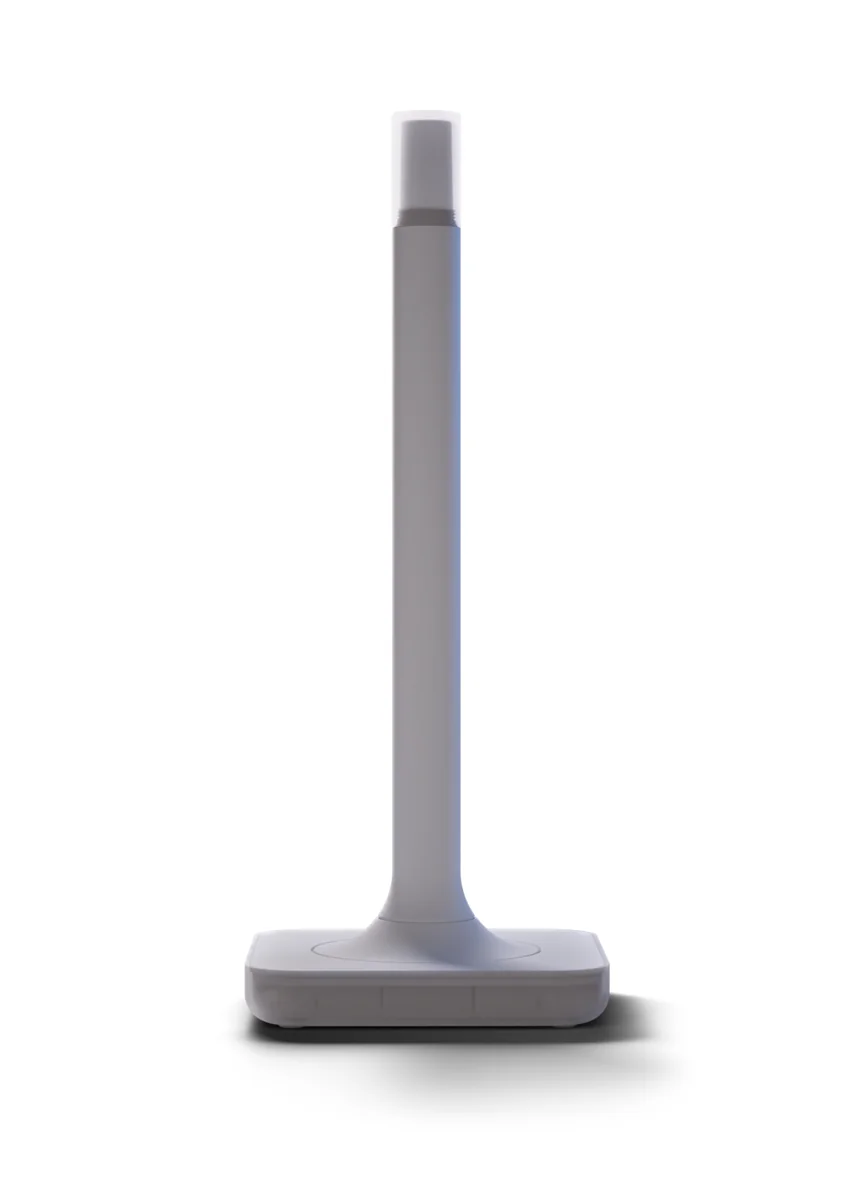
The ZWA-2 is the Z-Wave half. It supports Z-Wave Long Range, which extends both range and battery life on newer 800-series devices, Zooz’s included. If you’re buying Z-Wave gear today, most of it is 800-series, so this is the adapter that gets the full benefit.
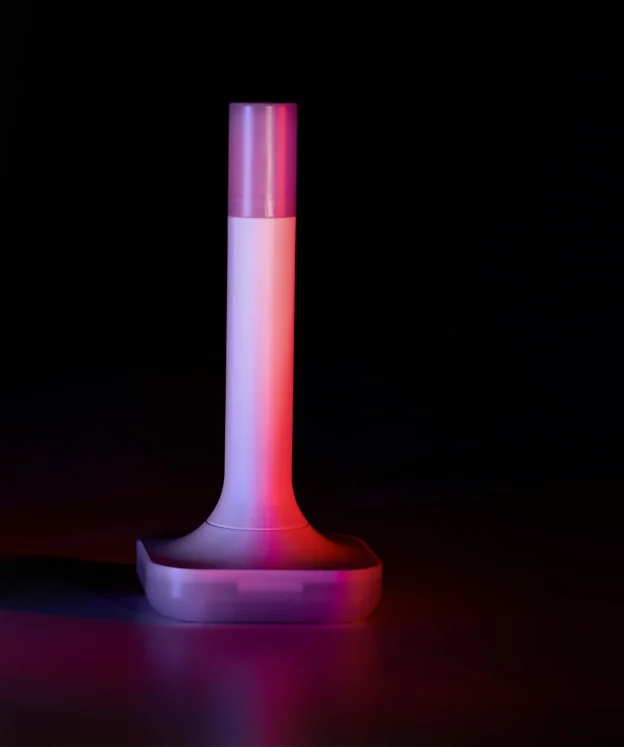
The ZBT-2 is the Zigbee half, built around Silicon Labs’ EFR32MG24 radio with an external antenna instead of a stub on the board. It can also run Thread, but only one role at a time since Zigbee and Thread live on separate firmware images you flash depending on which network you’re building. It has its own co-processor for the serial link to the host, which matters if the coordinator ends up on a USB extension cable away from other RF-noisy hardware.
What to watch out for
The ZBT-2’s Zigbee/Thread split means you commit to one protocol when you flash it. If you want both, you need two adapters or a plan for switching firmware, not a single box that quietly runs both.
Coordinator placement affects Zigbee more than most people expect. USB 3 ports and other 2.4GHz radios sitting near a Zigbee coordinator can interfere with it, which is part of why an external antenna and a USB extension cable are common advice, not an aesthetic choice.
Verdict
If you’re setting up Z-Wave, the ZWA-2 is the adapter I’d buy: official support, Long Range for 800-series gear. If you’re setting up Zigbee, the ZBT-2 is the same call, with the caveat that it’s Zigbee or Thread, not both at once. I don’t have ownership history to report on either unit specifically, but these are the two builds I’d point a friend at today.
-
The official adapter from the people who write the Z-Wave integration. Long Range support matters if you're running Zooz 800-series gear, since that's where the range and battery life gains show up.
- Official Home Assistant Z-Wave adapter
- Z-Wave Long Range support
- USB stick, plugs straight into the host
-
Same idea on the Zigbee side. The external antenna and the separate co-processor for serial bridging are what you want if the coordinator isn't sitting right next to the host.
- Zigbee or Thread, one role at a time on separate firmwares
- EFR32MG24 radio
- External antenna
- Dedicated co-processor for serial bridging