
PoE switches for cameras, sensors, and ESPHome devices
Links to Amazon are affiliate links, so I get a small cut if you buy through them. As an Amazon Associate I earn from qualifying purchases. This buying guide is researched, not gear running in my house, so the verdicts come from specs and what Home Assistant users report.
Power over Ethernet sends power and data down the same cable. For a smart home that means a camera on the eave, a presence sensor on the ceiling, or an ESPHome board in the attic, each with one cable and no outlet nearby. ESP32 boards with an Ethernet port and PoE, like the Olimex ESP32-POE, run ESPHome this way, and an Ethernet device doesn’t drop off when the Wi-Fi gets busy.
Most smart home PoE gear is small. You need a switch with enough PoE ports, a total power budget that covers everything plugged in, and, if you care about keeping cameras off your main network, VLAN support.
I’m not ranking these from ownership history. They’re the small switches I’d point you at based on what each maker publishes, sorted by what you’re trying to do.
What to watch out for
The total PoE budget is the number that limits you, not the port count. Add up the maximum draw listed on each device’s spec sheet and keep it under the switch’s budget. 802.3af ports supply up to 15.4W each and 802.3at (PoE+) ports up to 30W. Cameras with heaters or motors usually need PoE+.
Unmanaged switches can’t do VLANs. If you want cameras on their own network, so they can reach your NVR but not the internet, you need a managed or “easy smart” switch like the TL-SG108PE or GS308EP, and a router that supports VLANs.
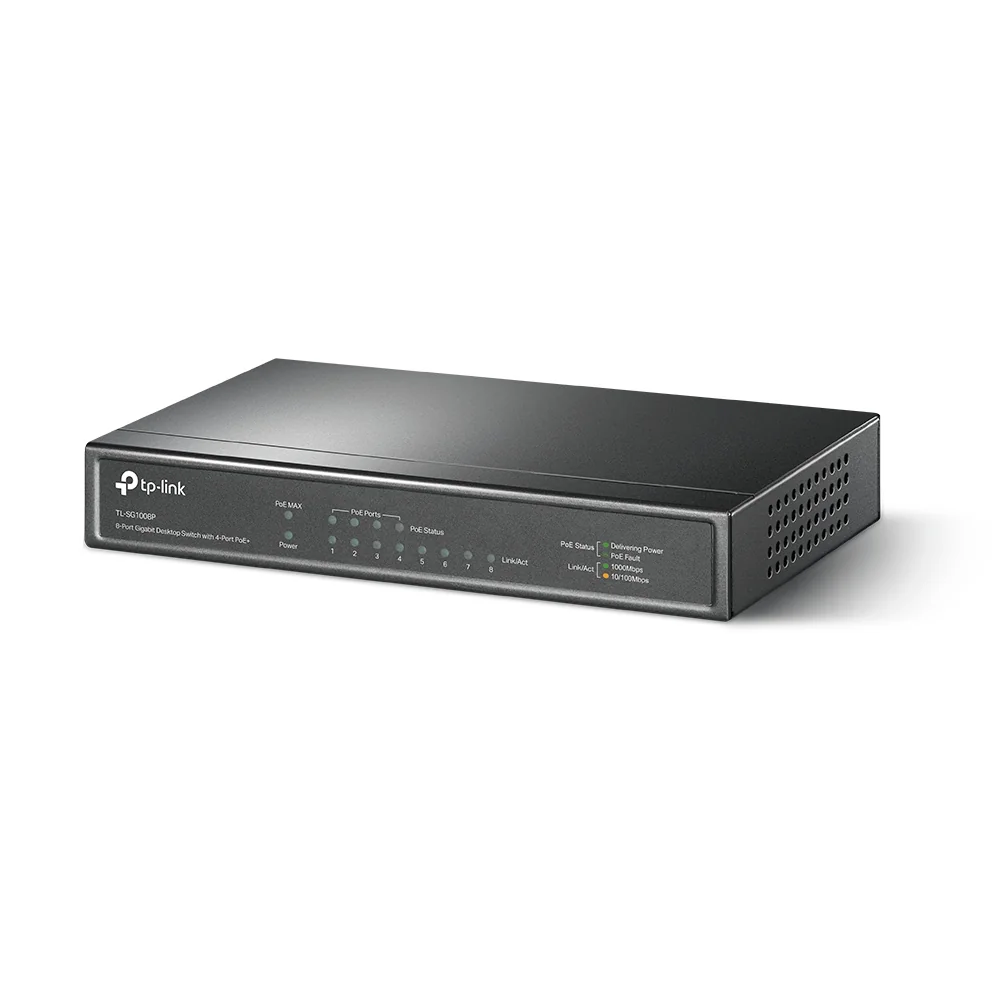
Older TL-SG1008P hardware versions have a smaller budget (55W) and 802.3af only. The current V4 is the one with 64W and PoE+. Check the version on the listing.
Put the PoE switch on your UPS. If it loses power, every camera and sensor it feeds goes down with it.
Verdict
Buy the TP-Link TL-SG108PE for most setups: four PoE+ ports and VLANs for not much money. Buy the NETGEAR GS308EP if you want PoE on every port. Buy the UniFi Switch Lite 8 PoE only if you already run UniFi. Buy the TL-SG1008P if you just need power on a couple of devices and don’t want to configure anything.
-
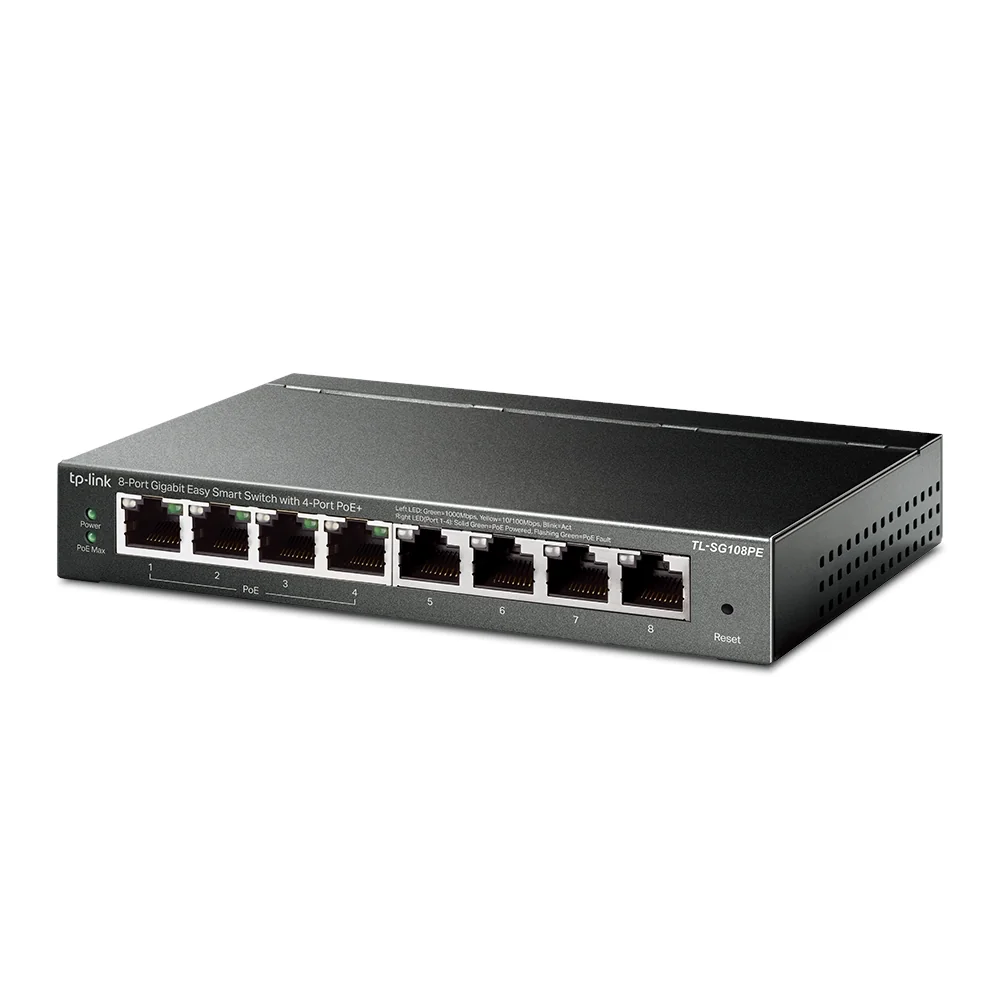
The cheapest switch here that does VLANs, which is what lets you put cameras and IoT gear on their own network. Four PoE+ ports covers a few cameras or sensors.
- 8 gigabit ports, 4 with PoE+ (802.3af/at)
- 64W total PoE budget
- Up to 32 VLANs, QoS, IGMP snooping
- Fanless
-
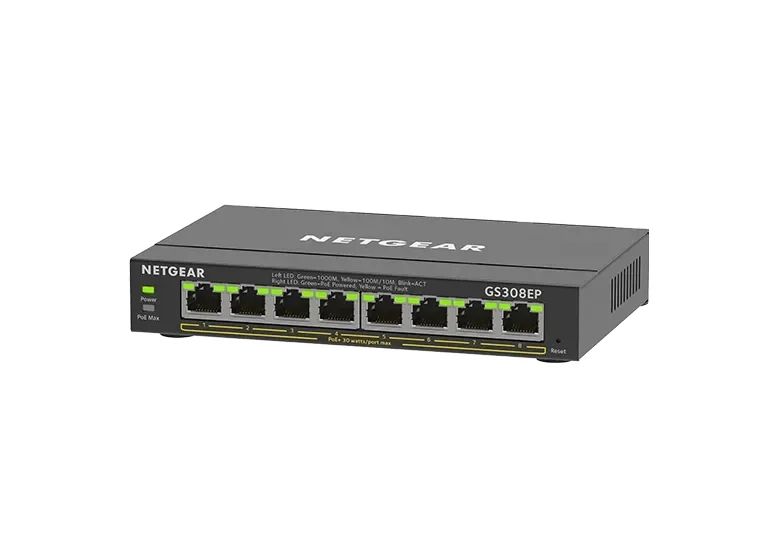
Every port can supply power, so you aren't moving cables around to find a PoE port. The total budget is about the same as the TP-Link, so eight ports is about flexibility, not eight full-power devices.
- 8 gigabit ports, all 8 PoE+ (802.3at)
- 62W total PoE budget
- Per-port PoE limits and priority
- 802.1Q VLANs, fanless
-
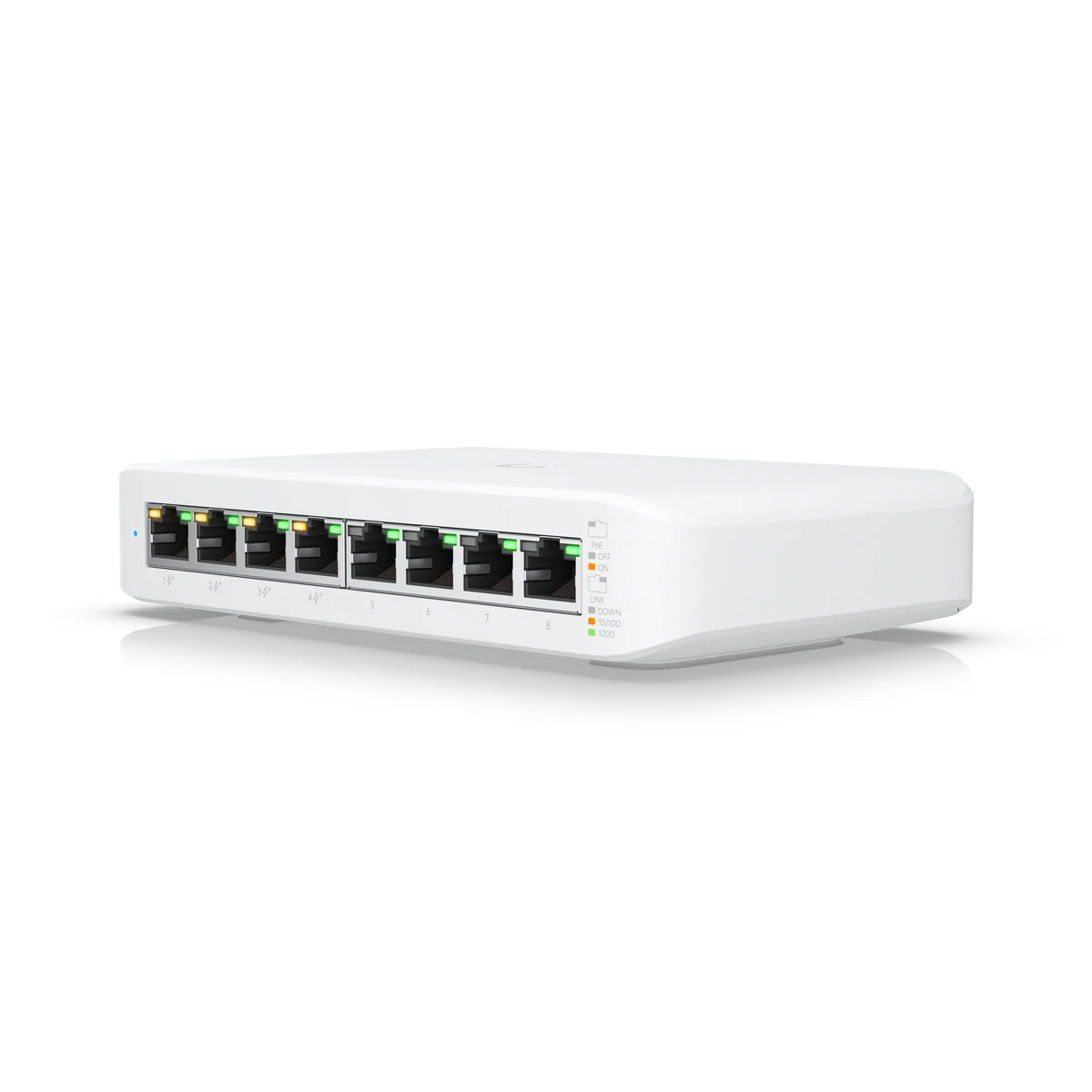
Only buy this if you already run UniFi. It shows up in the same app as the rest of your network, VLANs and all. Without a UniFi controller it is a worse deal than the TP-Link.
- 8 gigabit ports, 4 PoE+
- 52W total PoE budget
- Managed from the UniFi Network application
- External 60W power adapter
-
Fine when all you need is power and data for a couple of devices on your main network. No VLANs, no settings, nothing to configure.
- 8 gigabit ports, 4 with PoE
- Unmanaged, plug and play
- 64W PoE budget on the current V4
- Fanless metal case
Related buying guides
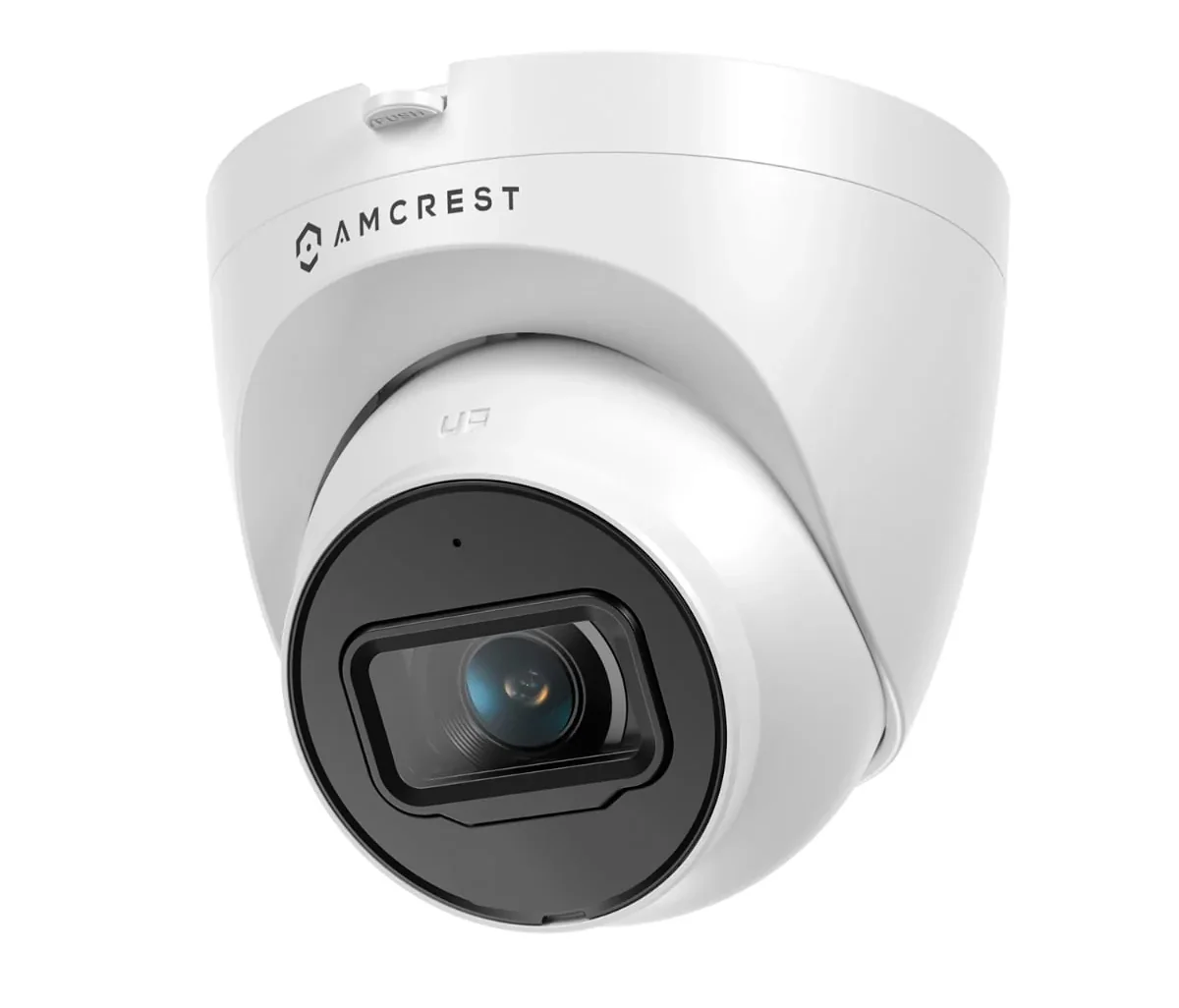
Security cameras that work locally with Home Assistant
PoE cameras that stream to Home Assistant, Frigate, or a local NVR with no cloud account and no subscription.
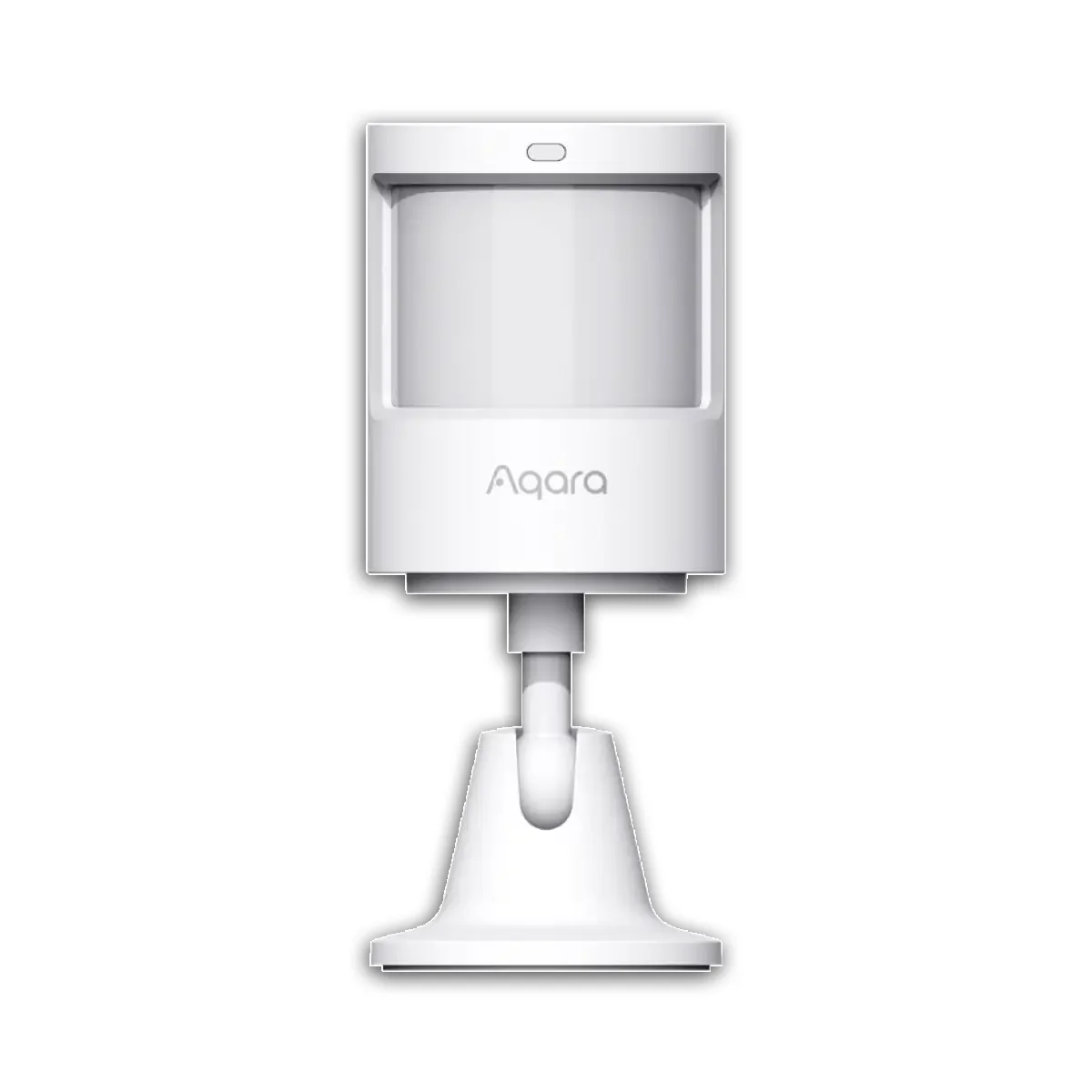
Presence sensors that actually work: what I run
The difference between motion sensors and mmWave presence sensors, and which one to use in which room.
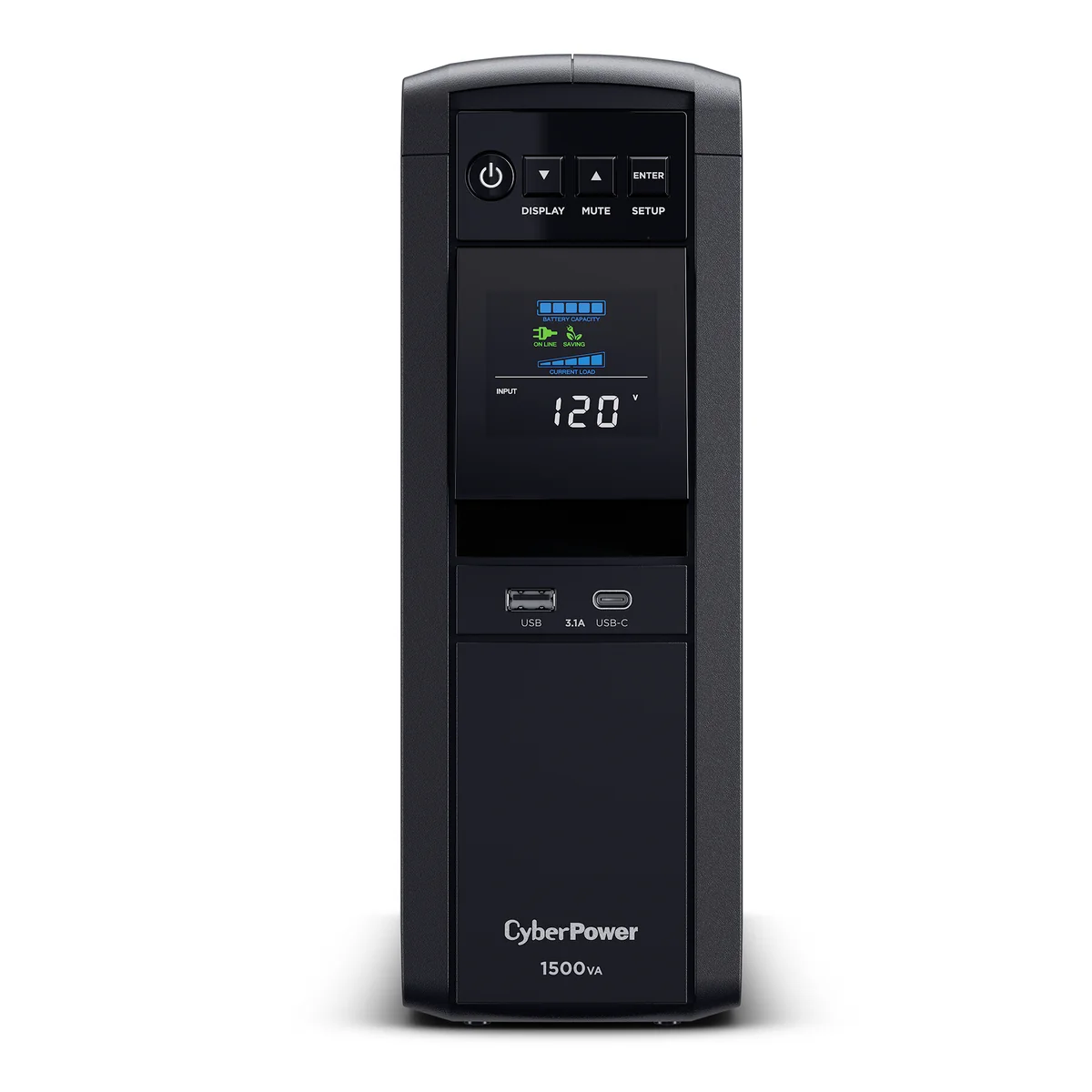
UPS units for a home server that Home Assistant can read
Battery backups that talk to Network UPS Tools over USB, so your server shuts down cleanly and Home Assistant knows the power is out.